Nagios alternative
Try out award-winning IT monitoring
Monitor your entire hybrid IT infrastructure with Checkmk: from public cloud providers, to data centers, across servers, networks, containers, and more.


Discover Checkmk
Voted Momentum Leader in IT infrastructure monitoring on G2
Start your Checkmk trial to explore its range of monitoring capabilities





Transparent pricing with no hidden costs. You only pay for the services you need to monitor. After the trial end you can monitor up to 750 services at no cost.
Trusted and loved by










Why choose Checkmk as your Nagios alternative?

Monitor everything
Monitor your hybrid IT infrastructure out-of-the-box with our leading library of more than 2,000 vendor-maintained monitoring plug-ins

Highly automated
With its auto-discovery, auto-configuration via a REST API, and built-in agent management, Checkmk takes manual work off your hands

Massively scalable
Monitor hundreds of thousands of hosts and millions of services across the globe, thanks to a high-performance distributed architecture

Extensible
Customize or extend the open source code of Checkmk. Use the Check-API to write your own monitoring plug-ins or extend existing ones
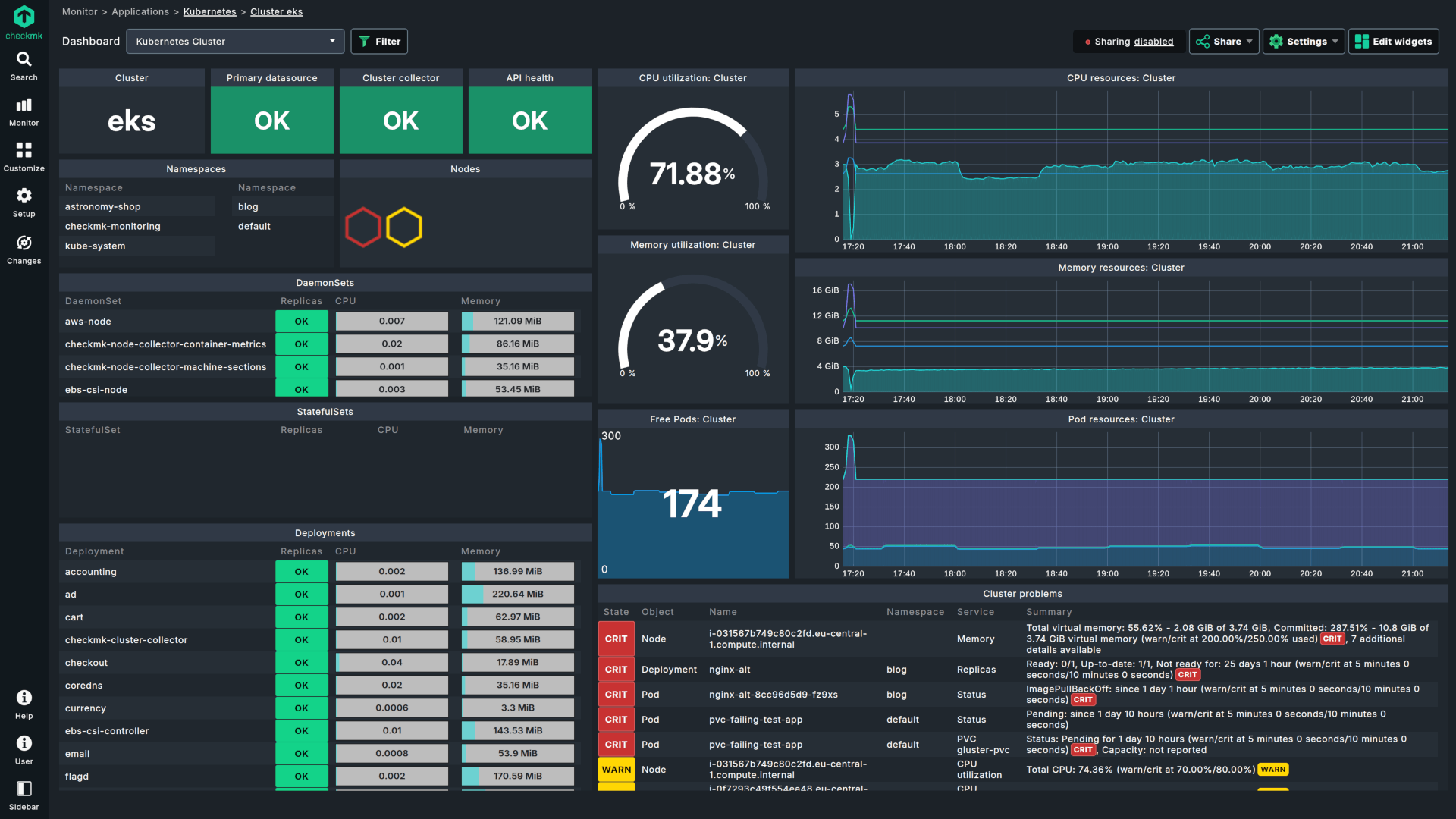
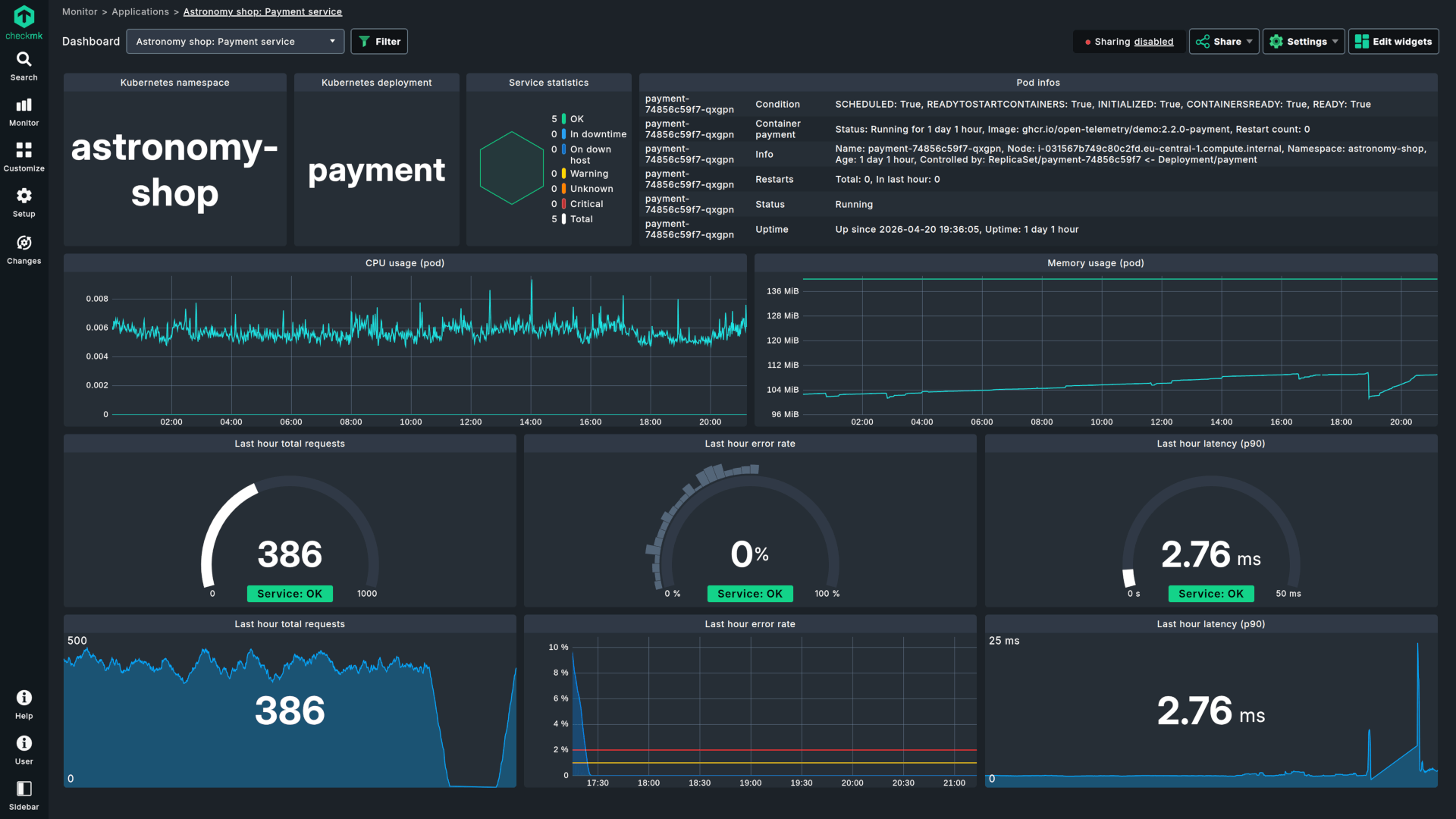
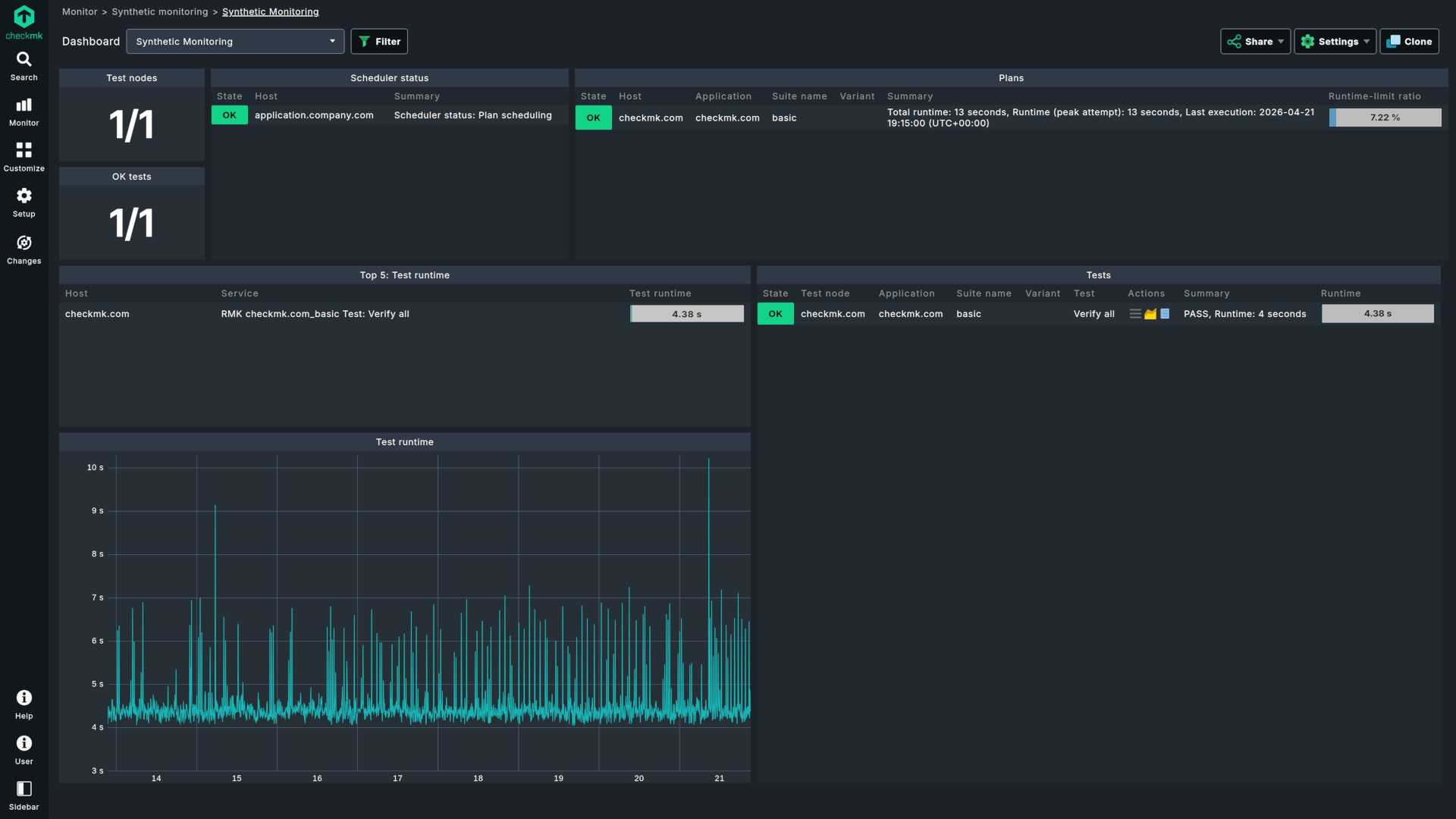
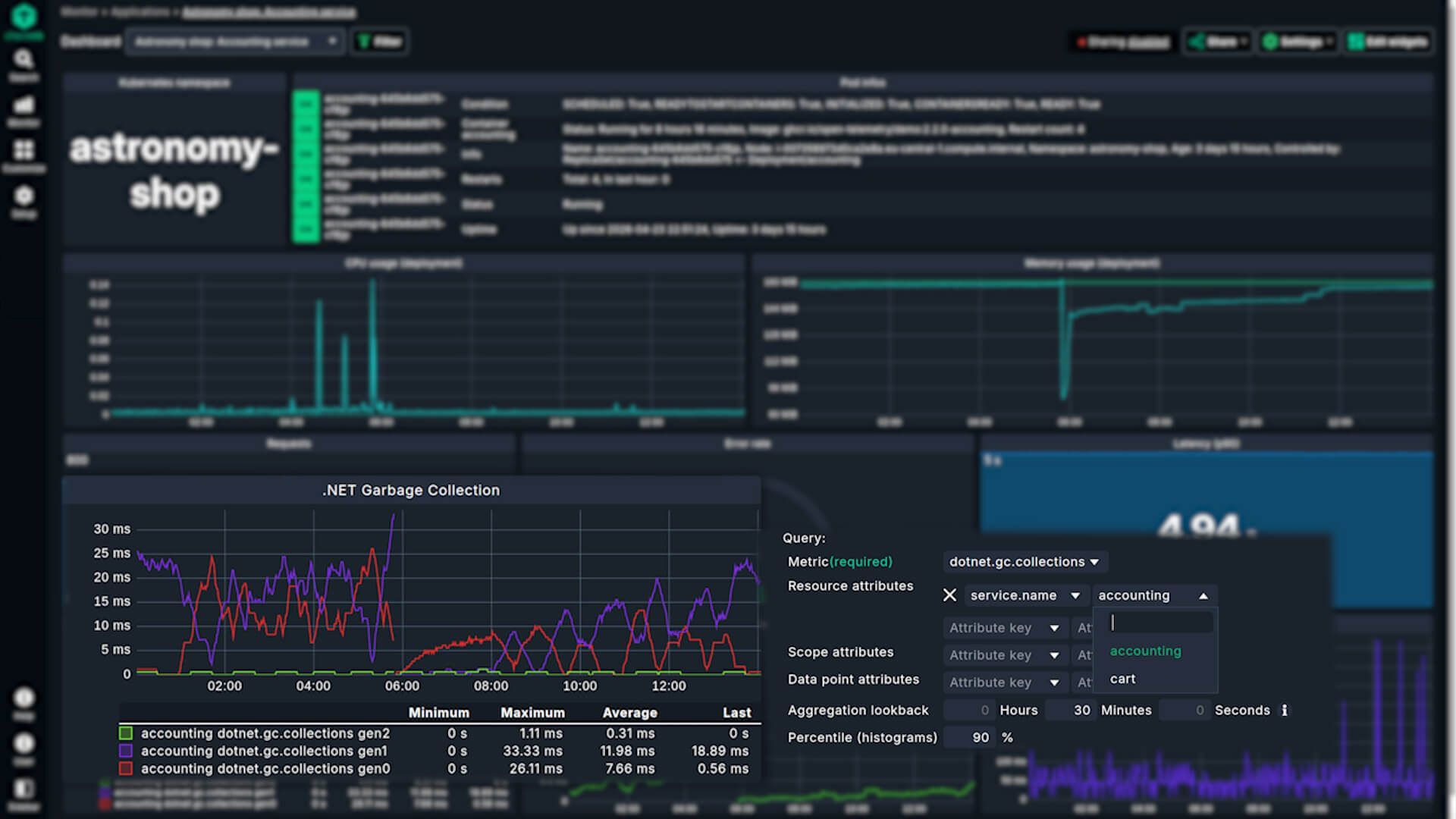
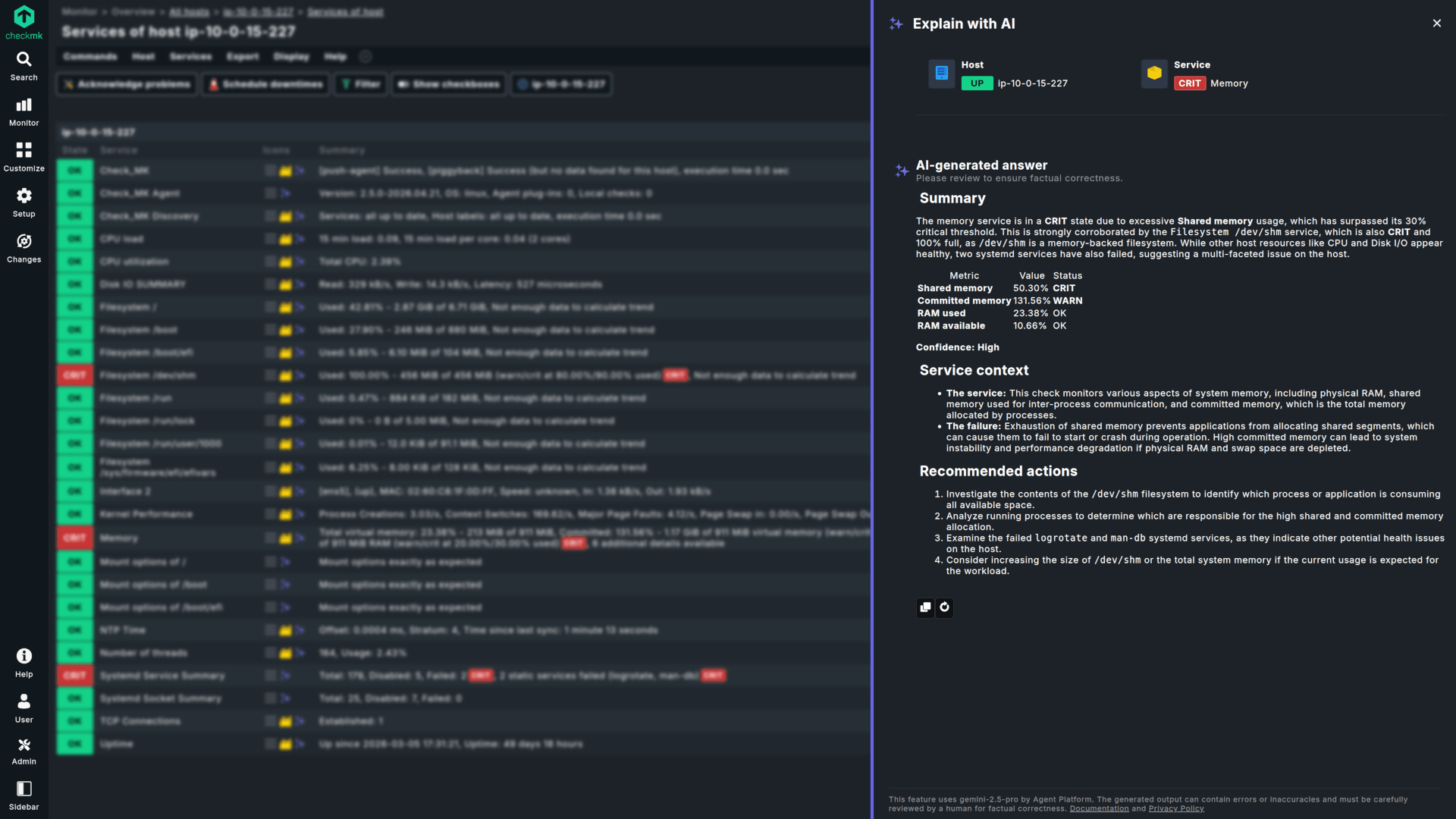
Monitor everything with 2,000+ vendor-maintained plug-ins










Why IT professionals choose Checkmk


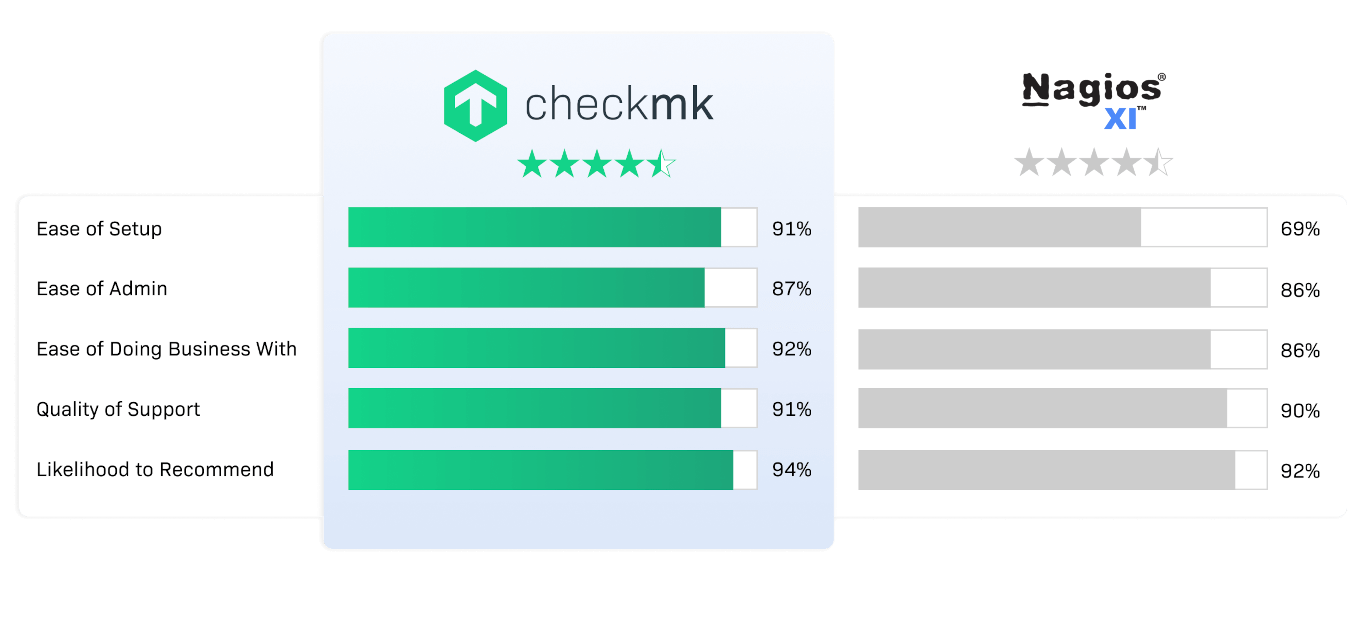
Similar to Nagios, but beyond
The state-of-the-art IT monitoring platform from Checkmk
Future-proof all-in-one monitoring
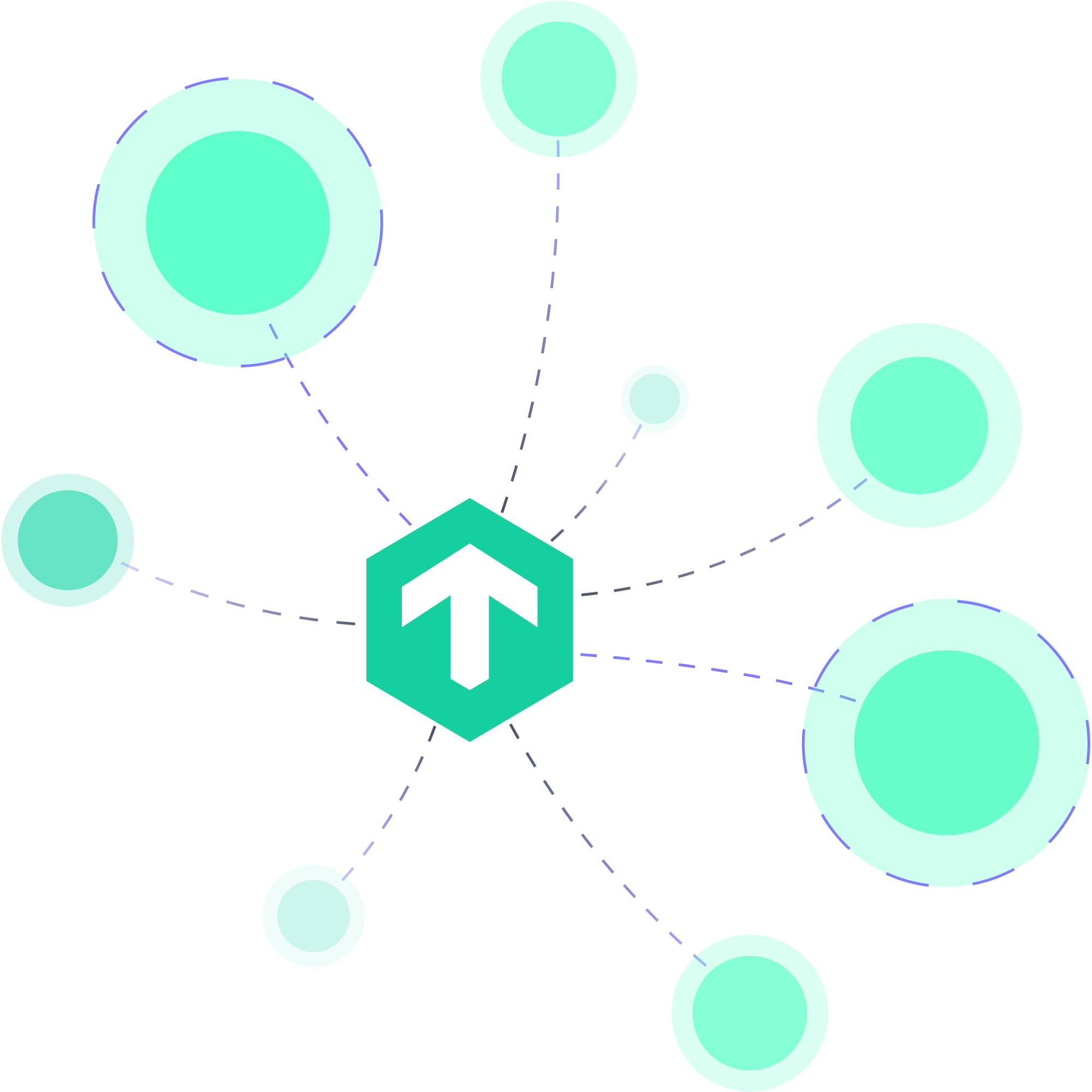
Monitor all assets in your IT infrastructure. Servers, switches, firewalls, storage, application containers, or cloud – all covered by Checkmk. No matter how your IT environment looks today or whether it changes in the future, all you need to gain control of your entire hybrid IT infrastructure is Checkmk.
Flexible and effortless
Checkmk gives you high flexibility. Monitor your systems with native agents for Linux or Windows, agentless via HTTP or SNMP TCP/UDP, or connect your monitoring via APIs to any application. With the rule-based approach, you can automatically enforce monitoring policies for all devices at a particular location, or any device group.
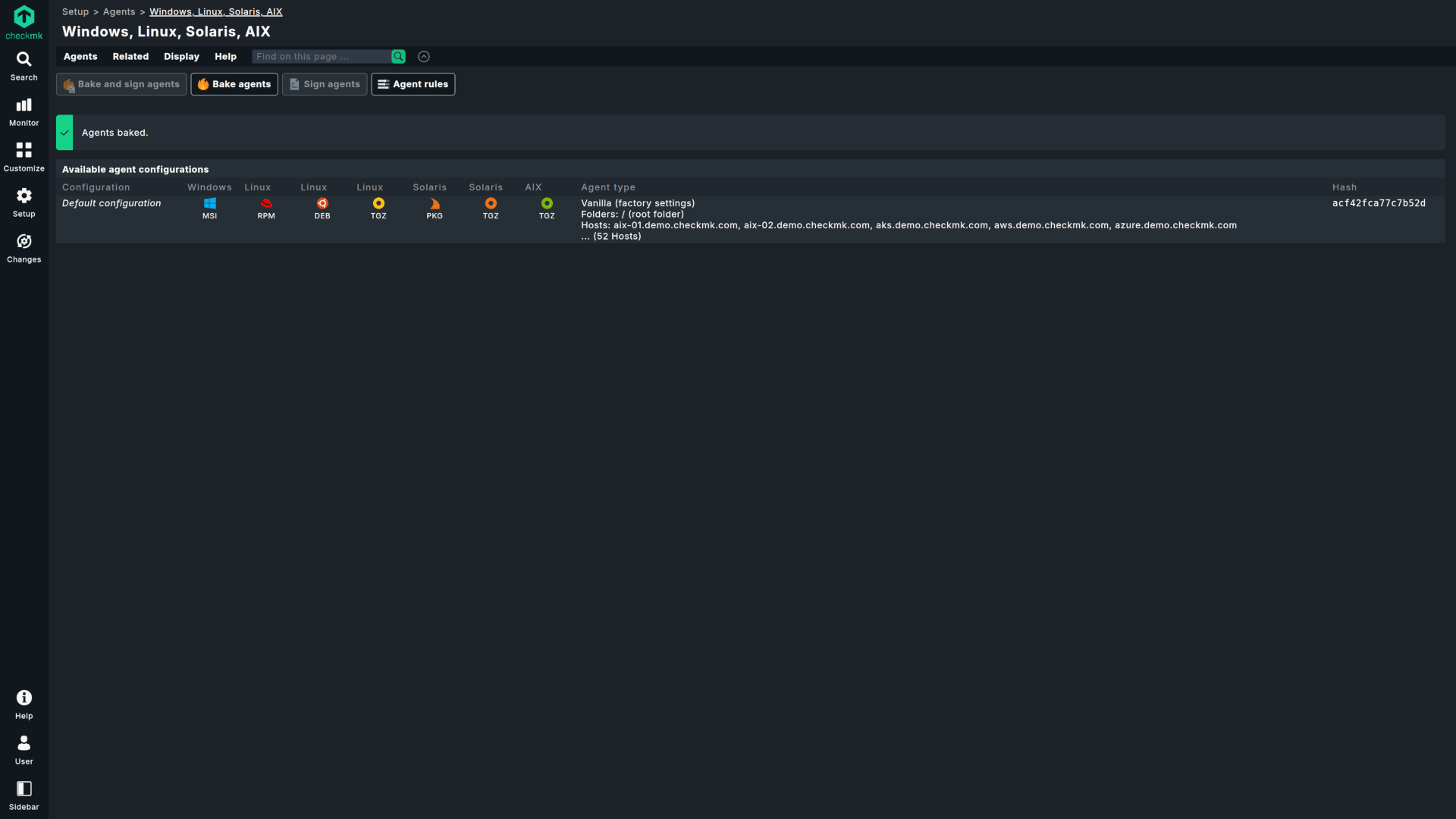
Automated monitoring
Thanks to automated configuration and monitoring operations via the Checkmk API, a centralized agent management feature, or the dynamic host configuration, Checkmk takes a lot of work off your hands, even when monitoring dynamic environments, such as Docker or Kubernetes.
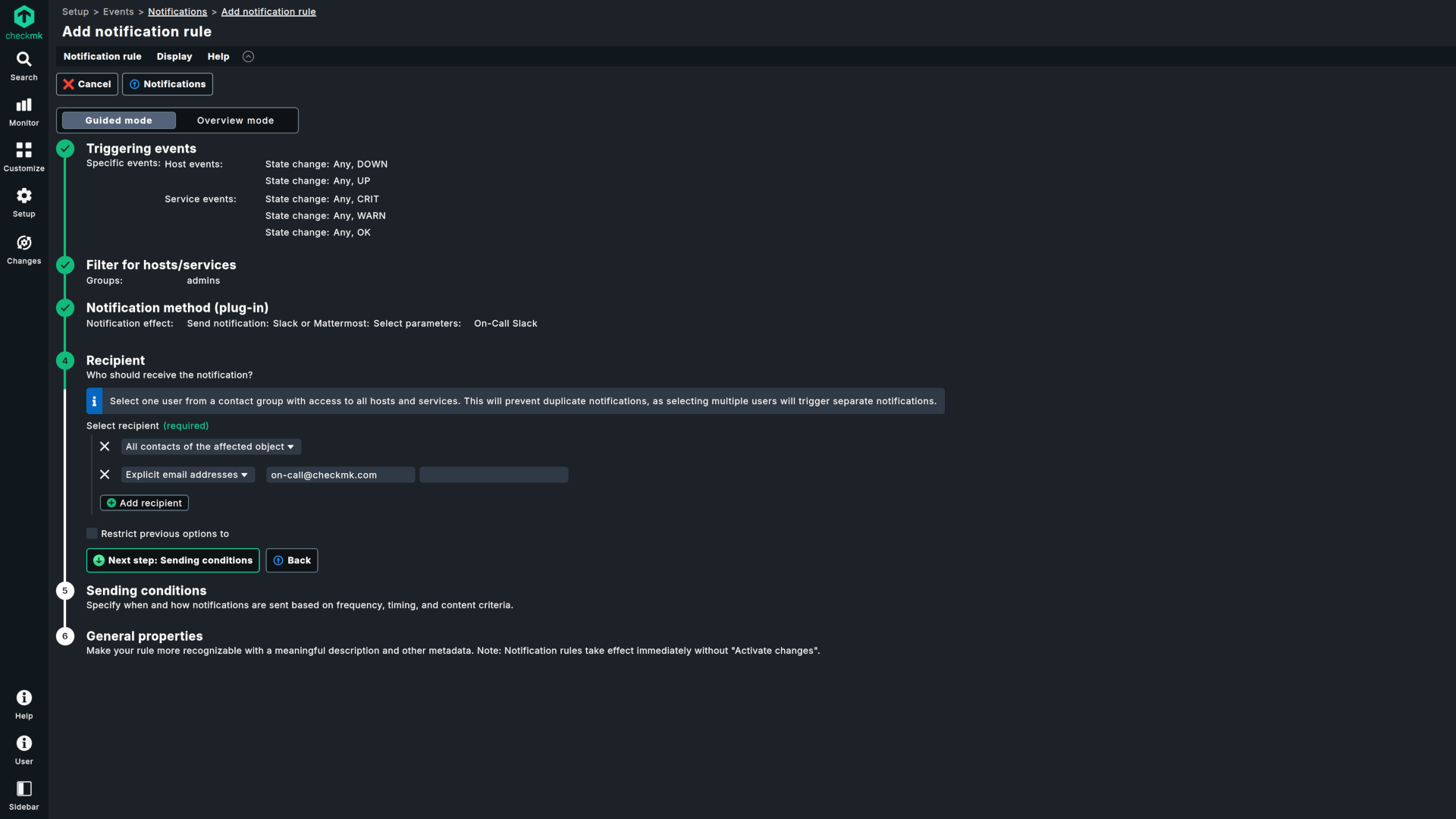
Smart alerting
Checkmk comes with intelligent notifications to ensure that you don’t get drowned in alerts, and only receive relevant notifications. Benefit from flexible notification and escalation options integrated with popular notification tools such as Slack, PagerDuty, SIGN4L, VictorOps, or Jira.

In-depth insights with one click
Thanks to over 2,000 vendor-maintained plug-ins, Checkmk automatically detects almost any system and knows which metrics it needs to monitor and with which thresholds. This not only saves you configuration time, but also provides you with in-depth insights into your IT infrastructure based on industry best standards.
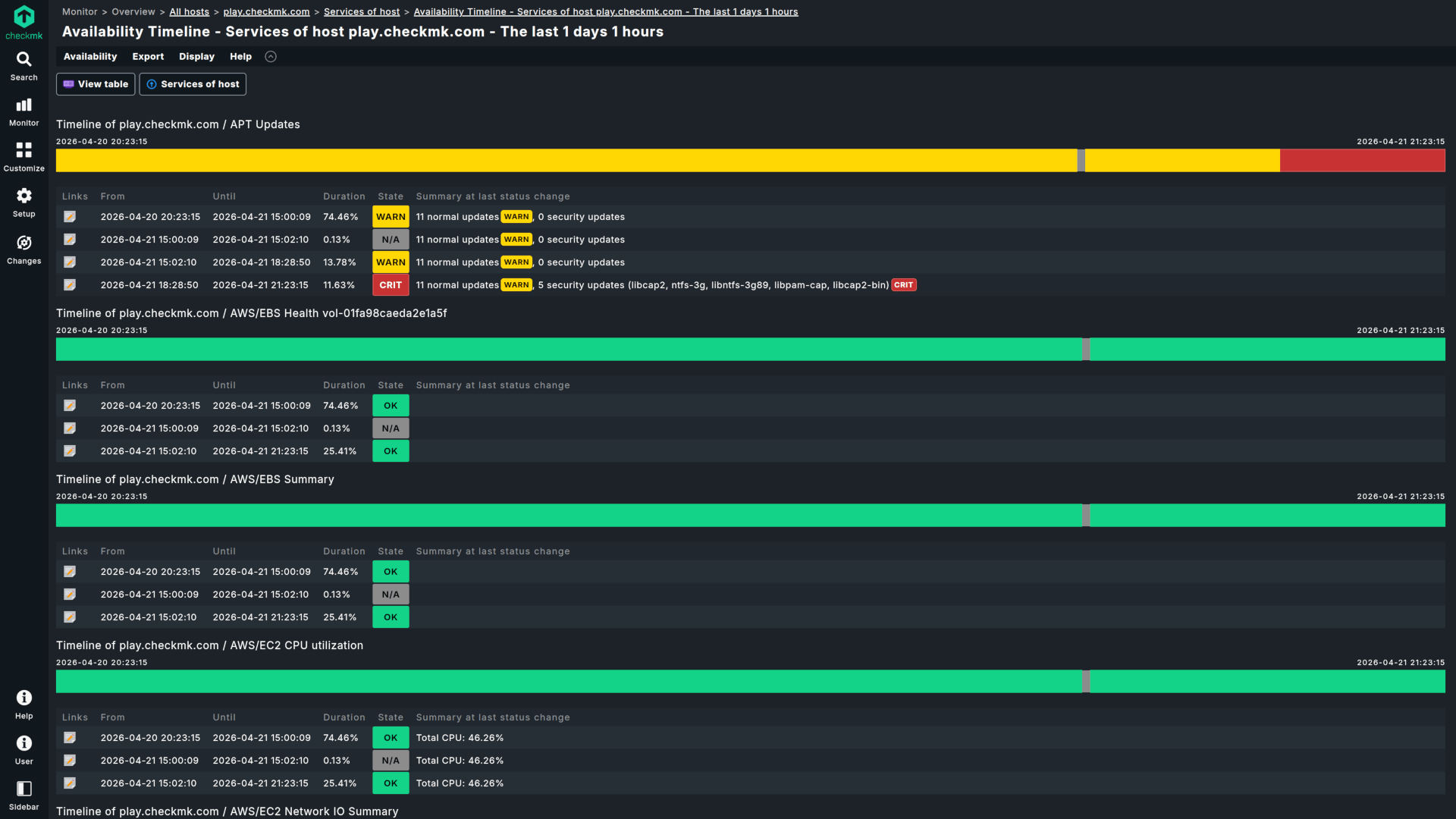
Predictive monitoring
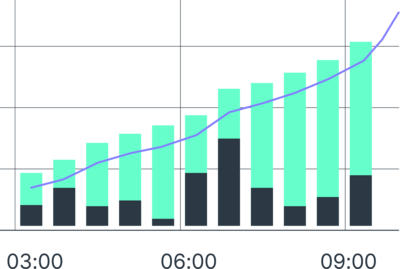
Benefit from sophisticated algorithms and adapt your IT infrastructure before new challenges occur: Checkmk provides advanced analytics based on historical data, which allows you to identify trends in your infrastructure or use resource utilization forecasts for capacity management.
Frequently asked questions about the Checkmk trial
Curious about Checkmk Cloud, Pro, or Ultimate? Head to our pricing page to pick the edition that fits your needs and start your trial. 30-day trial is completely free, allowing you to test the full feature set of our commercial editions without any restrictions.
Checkmk offers several flexible deployment options to fit your specific infrastructure needs:
- Linux Server Installation
The most common deployment method. You can install Checkmk directly on a Linux server, whether physical or virtual. Supported Linux distributions include Red Hat Enterprise Linux (RHEL) based systems, SUSE Linux Enterprise Server (SLES), Debian, and Ubuntu. - Cloud Infrastructure
Host your own Checkmk instance on AWS or Microsoft Azure. For the fastest setup, Checkmk Ultimate is available as pre-configured virtual machine images in the AWS and Azure Marketplaces, allowing you to bypass manual installation steps. - SaaS (Software as a Service)
Enjoy hassle-free setup and maintenance-free experience with Checkmk Cloud. Learn more about our SaaS platform. - Docker Containers
Checkmk can be deployed as a Docker container using official images for both Community and commercial editions. The lightweight, self-contained container environment allows for easy deployment and portability. View Docker documentation. - Virtual Appliance
A ready-to-use solution for hypervisors like VMware ESXi, Hyper-V, Proxmox, or VirtualBox. The appliance includes a hardened Debian-based OS and a dedicated web interface for easy, command-free configuration and management. Check virtual appliance details. - Physical Appliance
For a turnkey hardware solution, Checkmk offers physical appliances with pre-installed and optimized software, ready for deployment in data centers. These appliances support high-availability clustering and come in various models with different maintenance levels to ensure 24/7 monitoring uptime. See available devices.
No, you do not have to install Checkmk to get hands-on.
Checkmk provides a sandbox instance that lets you get familiar with the Checkmk GUI, explore core Checkmk functionalities, and view prebuilt dashboards — all without deploying a single package locally. This is an easy way to evaluate the look, feel, and capabilities of Checkmk before deciding on a deployment option.
Ready for a test-drive? Play with Checkmk.
Once the 30-day trial of a self-hosted Checkmk edition ends, you can either license your site with a paid subscription or continue using it for free as long as you want. The free version allows up to 750 monitored services on a single site and does not support distributed monitoring.
For Checkmk Cloud (SaaS), you must activate a paid subscription before the 30-day trial period ends to keep your monitoring active. Otherwise, your trial instance and its configuration will be automatically deleted
You can purchase a Checkmk license online or by requesting a quote from our sales team. Once you have your subscription, you simply enter your license credentials directly into your existing trial site.
The Checkmk server is not supported on Windows. However, you can monitor Windows hosts using the Checkmk agent.
For the server itself, we suggest starting a Checkmk Cloud trial — our SaaS edition that runs entirely on our cloud infrastructure.
The easiest way to get started with a PoC is to start a trial, create a new site, and use the 30-day trial period. If you need more than 30 days to build your PoC, please contact our sales team, and we will be happy to issue an extended PoC license.
By using one of the self-hosted Checkmk editions you are in control of your monitoring data, which never leaves your infrastructure. The data for processing your account and subscription is securely stored and processed exclusively within the European Union. In the case of the Checkmk Cloud edition (SaaS), you can choose where to keep all your data between the US (Virginia) and the EU (Frankfurt). In the latter case, your sensitive information never leaves EU borders.
Yes, Checkmk ensures full compliance with GDPR and other stringent EU regulations. Our robust security measures and transparent data processing practices are designed to safeguard your data and provide full confidence. You can read more on how we process data on the Privacy Policy page.
Ready to explore Checkmk - the Nagios alternative monitoring platform?
Download your version and try Checkmk unlimited for 30 days.