Why Checkmk is the best Nagios alternative
Nagios laid the foundation for IT monitoring. Checkmk helps you scale it. Transition smoothly to an automated, enterprise-grade platform designed to reduce operational overhead and support your hybrid cloud journey.




Prefer to look around? Get demo access in seconds.
Access DemoWhy IT teams choose Checkmk to evolve beyond Nagios
As infrastructure grows more complex, maintaining visibility shouldn't require more manual effort. Checkmk delivers the depth of control you expect, combined with modern efficiency.
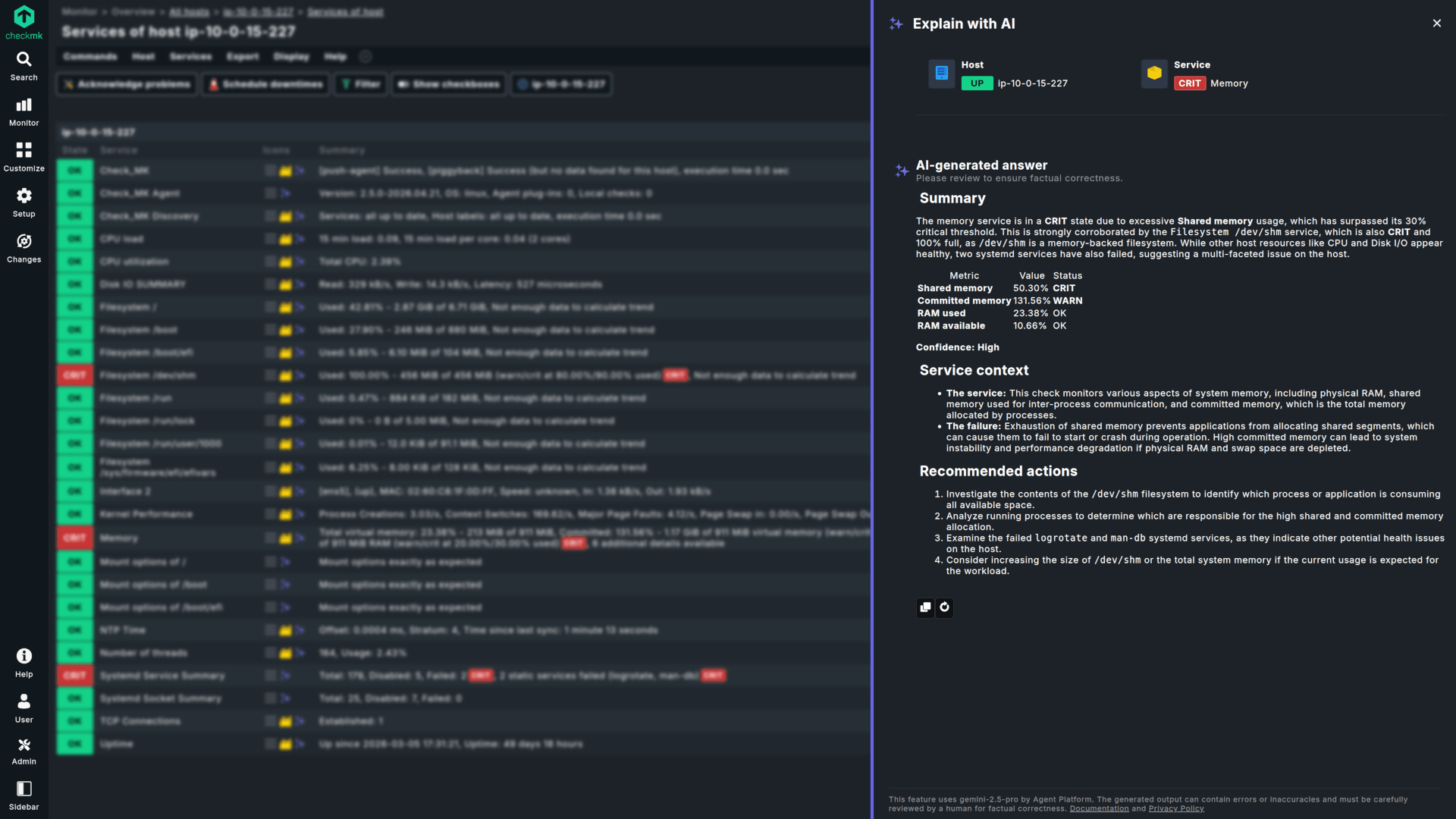
Auto-discovery & fast setup
Streamline your daily operations. Checkmk automatically discovers new assets, configures services, and establishes baseline thresholds without requiring manual text-file updates.
Comprehensive native integration library
Gain instant access to over 2,000 officially maintained, production-ready integrations. Minimize the need to source, test, and maintain unofficial community scripts.
Resource-efficient architecture
Checkmk utilizes a native core designed to track high-density environments with a predictable hardware footprint, ensuring stability during high-load alerting states.
Unified hybrid IT observability
From legacy IT monitoring to modern cloud workloads, everything in one interface: physical devices, servers, networks, Docker, Kubernetes, and public cloud environments (AWS/Azure).
Built for scale. Automated for efficiency.
A clear upgrade for hybrid infrastructure monitoring
Checkmk |
Nagios |
|---|---|
| Configuration Model | |
| Dynamic Auto-Discovery & REST API & Centralized Web GUI (No command line or Linux expertise required for daily operations). | Manual, file-based administration via command line (Requires deep Linux expertise). |
| Integrations | |
| 2,000+ native, built-in integrations. | Core functionality requiring manual extensions. |
| Agent Management | |
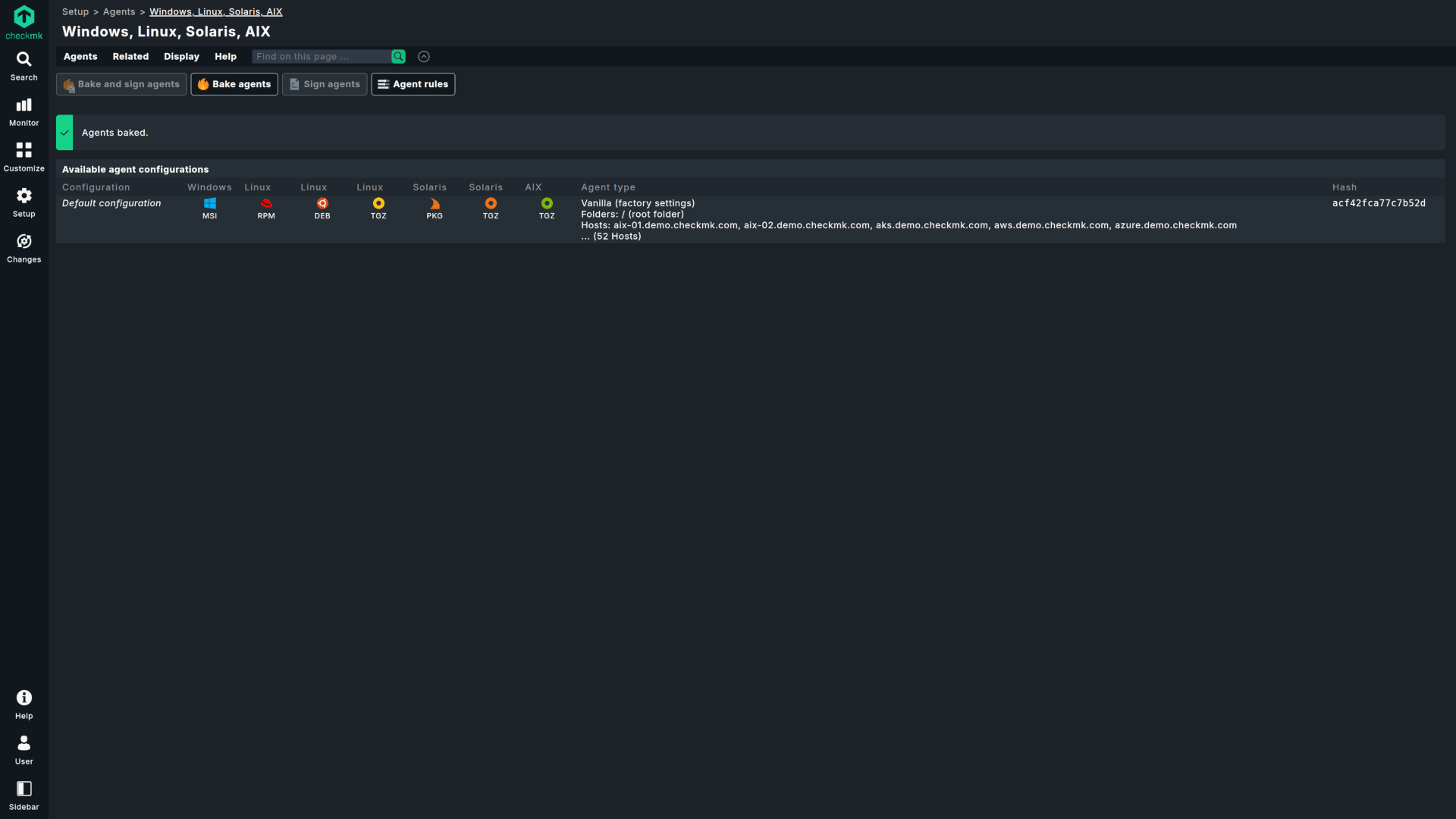
| Centralized agent management & automated updates via Agent Bakery. | Individual configuration (NRPE, NSClient++). |
| Deployment Flexibility | |
| On-Prem, Docker, Virtual Appliance. | On-Premises Linux environments. |
| Alert Management | |
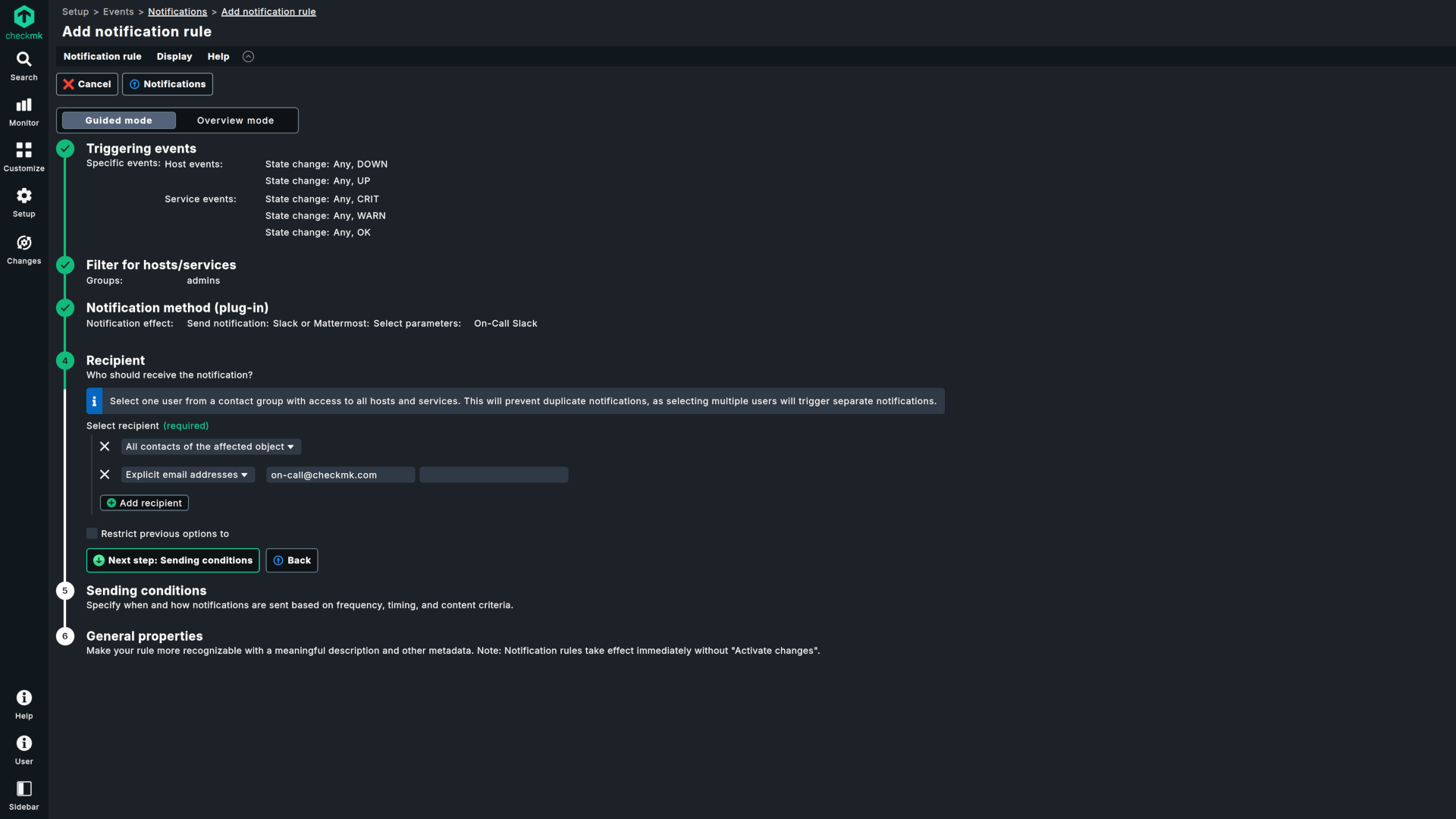
| Pre-defined thresholds and noise reduction. | Static thresholds prone to high alert volume. |
| Visualization & UX | |
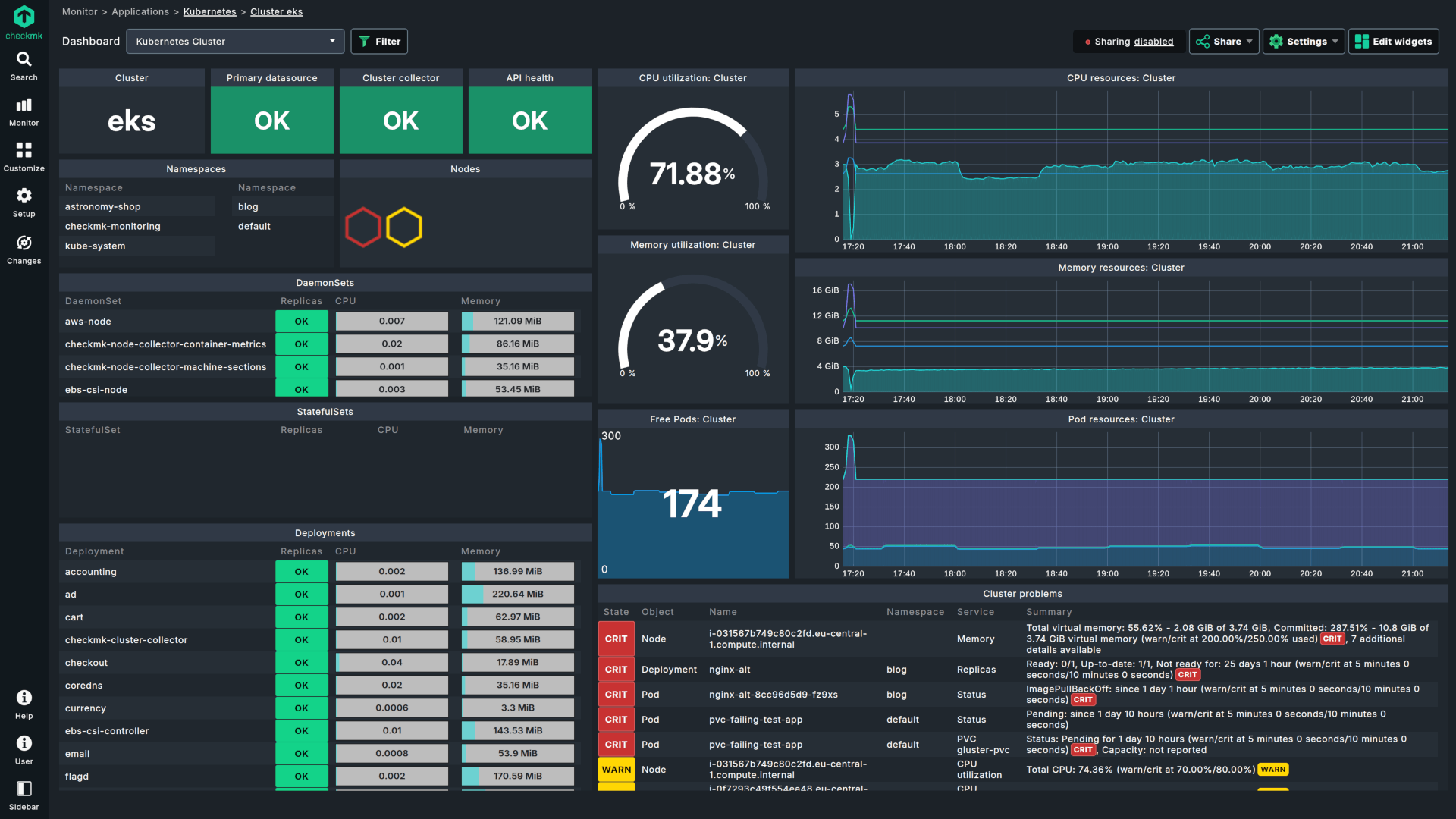
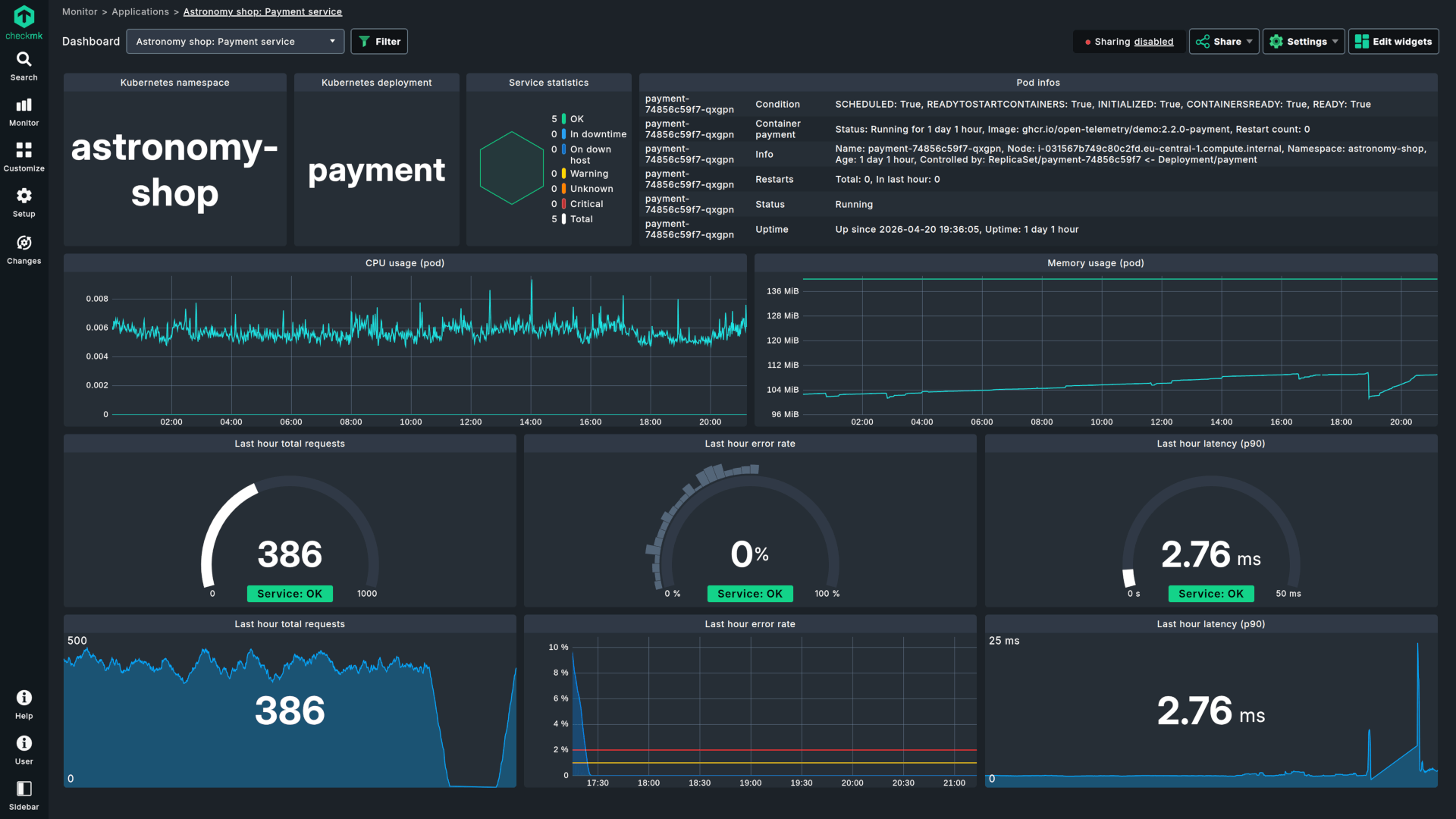
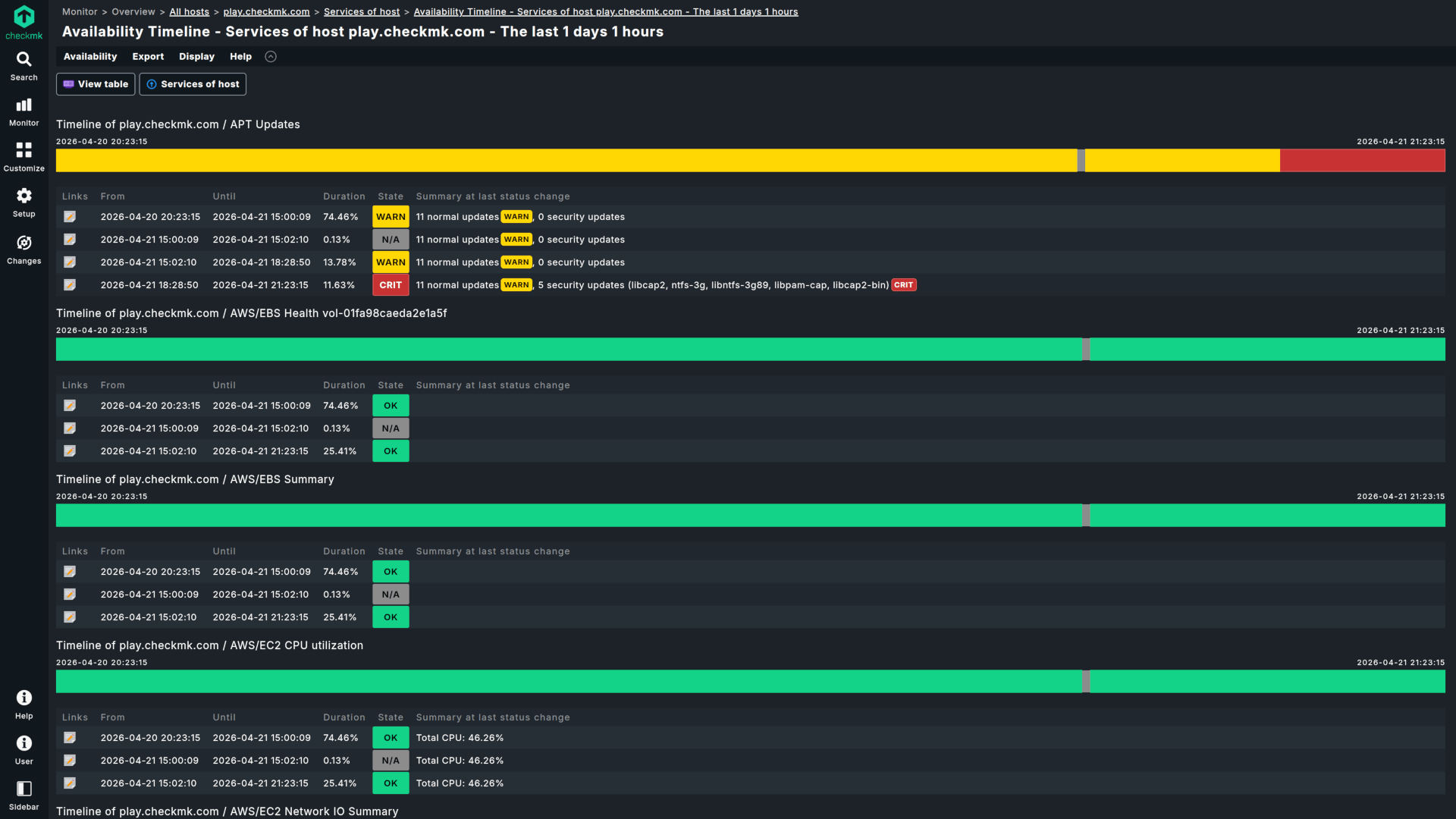
| Modern, customizable dashboards and SLA reports. | Traditional, text-focused interface. |
A structured migration strategy
Upgrading your monitoring shouldn't mean starting from scratch. Checkmk is built on monitoring concepts familiar to every Nagios user—utilizing the same logic for hosts, services, availability states, schedulable downtimes, and notifications. Checkmk respects your existing institutional knowledge and simplifies the migration process.
Choose your environment
Deploy Checkmk exactly where you need it: as a native Linux package (.deb/.rpm) on your preferred OS, a lightweight Docker container, or a turnkey Virtual Appliance.
Automate asset discovery
Scan your subnets to let Checkmk identify hardware, operating systems, and applications automatically, creating your new monitoring baseline in minutes.
Preserve custom logic
Maintain continuity during your transition. Checkmk can run your critical custom Nagios plugins (through the Integrate Nagios plugins ruleset or MRPE) while you gradually transition to Checkmk's built-in checks.
Integrate your workflow
Connect your standard communication and incident management platforms (Slack, Microsoft Teams, PagerDuty, or Jira) with straightforward, built-in integrations.
Checkmk is trusted by industry leaders worldwide










Why IT professionals choose Checkmk
Checkmk is initially easy to set up and later powerful to use. There are tons of possibilities to enhance and optimize the tool to fit your needs.
Rasmus P., Senior System Analyst

A leading IT infrastructure monitoring system which helps your business easily manage servers, keep track of your applications and monitor cloud infrastructure.
Sarah J., Management Consultant
Checkmk has very well-organized and easy-to-follow dashboards that display real-time data from various IT infrastructure. It’s transformed our business operations.
Jade J., Operational Risk Consultant
A low-cost and extremely well-performing monitoring tool with good support from both the developers and the product community as well.
Peter L., Principal System Engineer
I sleep well knowing that if there is an issue, Checkmk will find it before users start complaining. Compared to other IT monitoring solutions, Checkmk is the most efficient platform.
George P., Lead Technical Support Engineer
Checkmk vs other competitors
Evaluating other alternatives? See how Checkmk compares across the monitoring landscape:
Checkmk vs Zabbix
Compare a native, rule-based setup with a template architecture to see how they differ in automation and maintenance overhead.
Checkmk vs SolarWinds
Compare a unified architecture with a multi-module approach, and see how they differ in licensing workflows and system requirements.
Checkmk vs PRTG
Compare host-based and sensor-based licensing models, alongside the architectural differences in resource efficiency.
Frequently asked questions
By collecting monitoring data from older systems without the need to change their setup, and showing these insights right alongside your modern cloud workloads. Checkmk does all of this, allowing you to observe everything from legacy IT data up to cloud-native components in one interface.
Automation, scalability, and resource-efficiency. Checkmk replaces manual text-file configurations with automated service discovery, and Nagios' process-forking with a high-performance proprietary core designed to scale with minimal hardware consumption.
Yes. Checkmk offers broad compatibility with the classic Nagios plugin format. Any custom Bash, Perl, or Python scripts you wrote for Linux, as well as PowerShell scripts written for Windows, can be run in Checkmk via the Integrate Nagios plugins ruleset (server-side active checks) or locally on the host through MRPE. This includes full support for executing existing active checks directly from the Checkmk server, as well as supporting a phased migration away from NRPE via MRPE, allowing you to migrate at your own pace without losing your historical monitoring logic.
Nagios struggles at scale because it forks a new operating system process for every check, causing CPU spikes. Checkmk bypasses this bottleneck by utilizing an asynchronous, centralized fetcher architecture. In our enterprise tiers, the proprietary Checkmk Micro Core (CMC) keeps the monitoring state entirely in-memory, using drastically fewer system resources. A single, well-sized Checkmk server can monitor very large numbers of services on modest hardware; refer to Checkmk's official sizing guidance for current figures.
No. Unlike Nagios, where changes require editing text files via SSH and restarting the core daemon, Checkmk features a fully centralized web GUI and a declarative, rule-based configuration engine. Instead of configuring hosts individually, you write global rules that automatically apply parameters to assets based on their dynamic tags and labels.
Not always. If you want a fully unrestricted GPL core and you are happy to hand-build and maintain the configuration, classic Nagios still fits. Checkmk keeps the Nagios lineage, so you can reuse existing plugins, and adds auto-discovery, a rule-based engine, and a maintained plugin library, which pays off most once manual upkeep becomes the bottleneck. For a small setup where hand-configuration is not a burden, Nagios remains a valid choice.
You can start testing immediately by filling out the form above. The trial includes 100% of our enterprise capabilities out of the box for 30 days.
Checkmk offers several flexible deployment options to fit your specific infrastructure needs:
- Linux Server Installation
The most common deployment method. You can install Checkmk directly on a Linux server, whether physical or virtual. Supported Linux distributions include Red Hat Enterprise Linux (RHEL) based systems, SUSE Linux Enterprise Server (SLES), Debian, and Ubuntu. - Cloud Infrastructure
Host your own Checkmk instance on AWS or Microsoft Azure. For the fastest setup, Checkmk Ultimate is available as pre-configured virtual machine images in the AWS and Azure Marketplaces, allowing you to bypass manual installation steps. - SaaS (Software as a Service)
Enjoy hassle-free setup and maintenance-free experience with Checkmk Cloud. Learn more about our SaaS platform. - Docker Containers
Checkmk can be deployed as a Docker container using official images for both Community and commercial editions. The lightweight, self-contained container environment allows for easy deployment and portability. View Docker documentation. - Virtual Appliance
A ready-to-use solution for hypervisors like VMware ESXi, Hyper-V, Proxmox, or VirtualBox. The appliance includes a hardened Debian-based OS and a dedicated web interface for easy, command-free configuration and management. Check virtual appliance details. - Physical Appliance
For a turnkey hardware solution, Checkmk offers physical appliances with pre-installed and optimized software, ready for deployment in data centers. These appliances support high-availability clustering and come in various models with different maintenance levels to ensure 24/7 monitoring uptime. See available devices.
Your environment stays intact. You can choose to transition to a commercial tier or downscale to our free editions without losing configuration data.
You can purchase a Checkmk license online or by requesting a quote from our sales team. Once you have your subscription, you simply enter your license credentials directly into your existing trial site.
The Checkmk server is not supported on Windows. However, you can monitor Windows hosts using the Checkmk agent. For the server itself, we suggest starting a Checkmk Cloud trial — our SaaS edition that runs entirely on our cloud infrastructure.
The easiest way to get started with a PoC is to start a trial, create a new site, and use the 30-day trial period. If you need more than 30 days to build your PoC, please contact our sales team, and we will be happy to issue an extended PoC license.
By using one of the self-hosted Checkmk editions you are in control of your monitoring data, which never leaves your infrastructure. The data for processing your account and subscription is securely stored and processed exclusively within the European Union. With Checkmk Cloud, you can choose where to keep all your data between the US (Virginia) and the EU (Frankfurt). In the latter case, your sensitive information never leaves EU borders.
Yes, Checkmk ensures full compliance with GDPR and other stringent EU regulations. Our security and data-processing practices are documented and designed to safeguard your data. You can read more on how we process data on the Privacy Policy page.
Ready to modernize your monitoring workflow?
Join hundreds of IT organizations that have upgraded from Nagios monitoring to scalable automation.
Note: competitive comparisons presented on this page are based on publicly available information, user reviews, and product documentation as of July 2026.