User-friendly meets Powerful
A feature-rich, easy-to-use IT monitoring platform for environments of any size and complexity.
Automate monitoring to streamline operations
- Auto-discover components, complete with pre-configured metrics and thresholds
-
Automatically add and remove monitoring of containers, pods, and VMs, through features such as the auto-registration of hosts and host lifecycle management
- Centralize management and updating of agents with the Agent Bakery
- Automate configuration and operation with the REST API
-
Integrate with other systems using APIs to automate almost anything
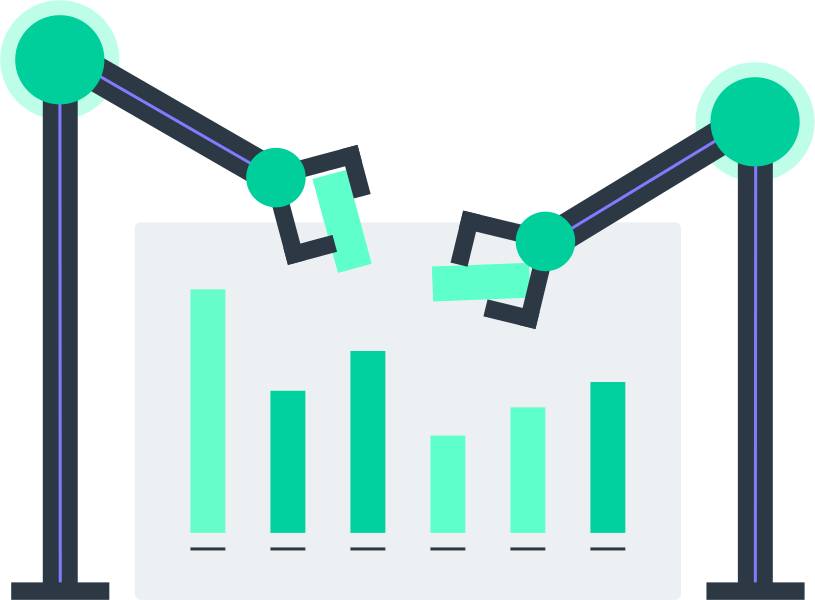

Flexible deployment and easy configuration
-
Install quickly from a single, integrated installation package, without having to separately install and maintain databases and web servers
-
Install on various Linux distros, or deploy as an image from AWS and Azure marketplaces, or as a container image for Docker, or as virtual or physical appliances
-
Easily configure everything through a web interface, and scale effortlessly with rule-based 1-to-N configuration
-
Detect hosts and services automatically, enriched with pre-defined key metrics and thresholds
-
Detect hosts and services automatically, enriched with pre-defined key metrics and thresholds
-
Acquire data in multiple ways: via monitoring agent, via agentless monitoring via HTTP or SNMP, or through APIs
-
Control internal usage by setting up granular role-based access
Monitor everything out-of-the-box
-
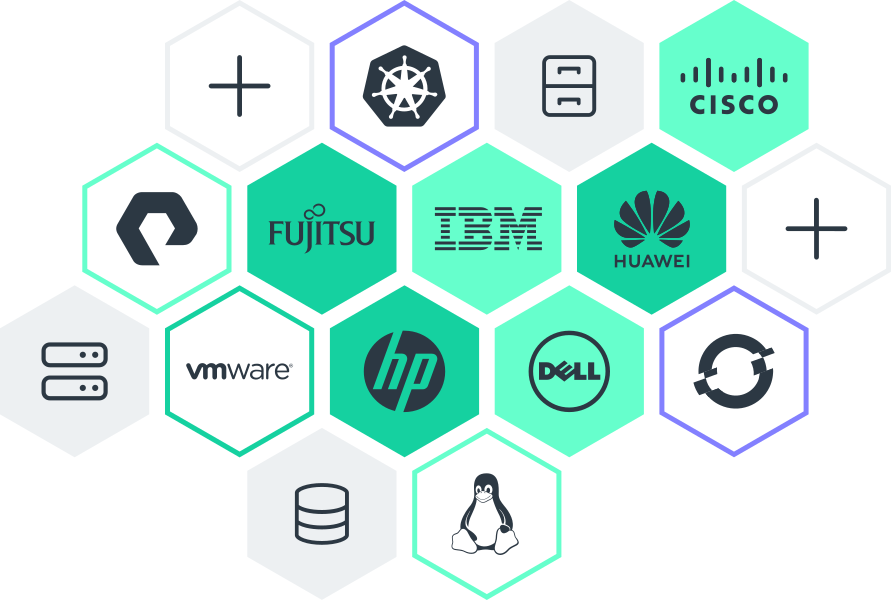
Collect metrics across heterogeneous infrastructures with an unparalleled library of 2,000+ regularly maintained and updated plug-ins
- Benefit from additional custom plug-ins contributed by the Checkmk Community

Scalable and efficient distributed architecture
-
Scale monitoring with a performance-optimized, distributed architecture
- Monitor thousands of services in a single instance, eliminating the need to maintain and synchronize multiple monitoring instances in a single data center
-
Scale across hundreds of sites and millions of devices
-
Leverage highly efficient, self-contained agents with minimal resource utilization, able to run even on the smallest servers
-
Store metrics in disk-space-efficient long-term storage
Modern monitoring for hybrid IT
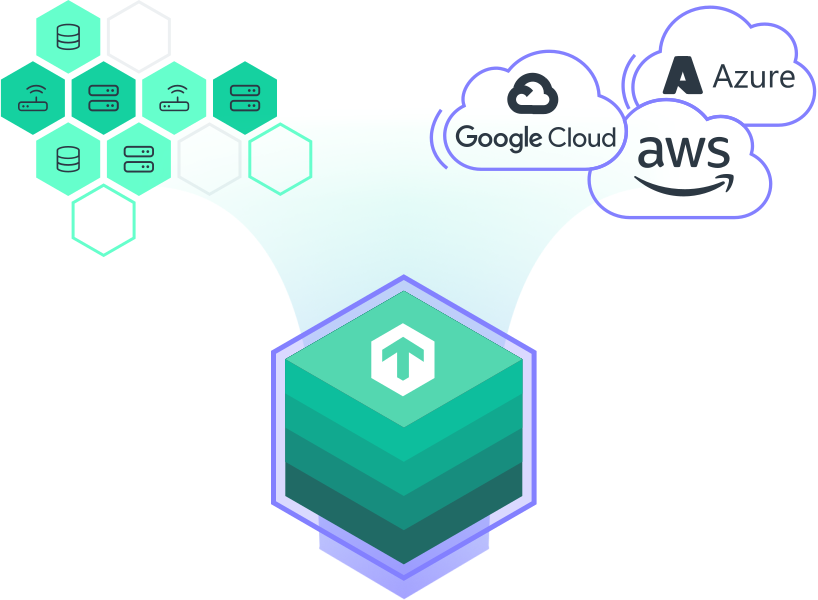
- Monitor any kind of IT architecture in one platform: on-premises, cloud, and hybrid, as well as container environments
-
Monitor everything out-of-the-box thanks to 2,000+ vendor-maintained plug-ins
-
Cover essential cloud use cases such as compute, networking, and storage, as well as advanced cloud-native tech such as managed databases, functions, and microservices
-
Automatically map ephemeral hosts and workloads in dynamic cloud and microservice environments
-
Configure agents in push mode to push monitoring data autonomously to the Checkmk server in a cloud-based configuration or a segmented network
-
Identify problems in your IT with a status ("OK", "WARN", "CRIT") appended to each monitored component or system – including deeper analysis with one click
-
Tag your data manually or auto-discover tags and labels to ease filtering – labels offer full flexibility and tags ensure consistency
Get detailed insights into your network
-
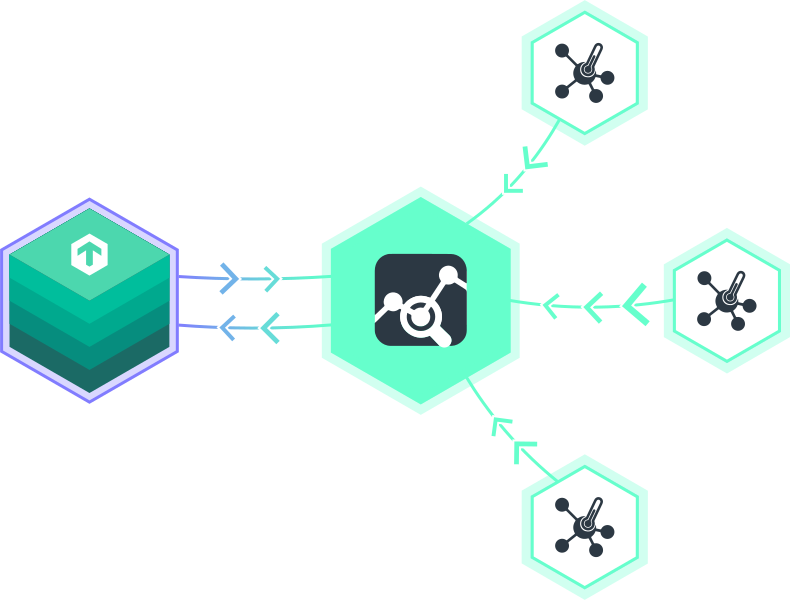
Analyze in-depth your network traffic with the ntopng add-on, integrating network flows into Checkmk
-
Benefit from network traffic dashboards
-
View alerts, characterized by duration, severity and alert type
-
Filter flows in multiple dimensions for network analysis
-
Detailed views for hosts: traffic, packets, ports, peers
Easily customize or extend to suit your needs
-
Customize or extend the Checkmk source code, written in easy-to-read Python
-
Rely on our expert consultants and our partners to customize Checkmk or its plug-ins
-
Program your own plug-ins using the Check-API, or write local checks in any programming language
-
Learn from the extensive developer documentation
Visualize your data with modern, customizable dashboards
-
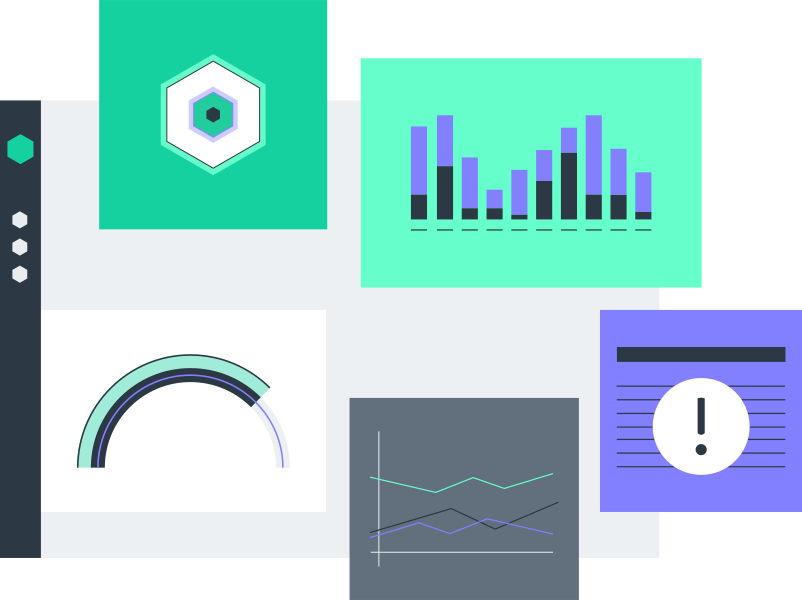
Visualize your data with modern and customizable dashboards
-
Get out-of-the-box dashboards showing key metrics for AWS, Azure and GCP cloud environments, Linux and Windows servers, and Kubernetes clusters
-
Leverage graphic maps and diagrams with live monitoring data
-
Analyze time-series metrics with interactive HTML5 graphs
-
Customize dashboards and views to your specific needs with different dashboard elements to visualize your most important metrics
-
Compare metrics across multiple graphs at a glance
-
Custom dashboards and views for users or user groups, e.g., vSphere specific views for VMware admins
-
Customize the side menu with snap-ins and bookmarks
-
Visualize your data in Grafana using the Grafana Checkmk datasource plug-in or using Checkmk's Graphite exporter for InfluxDB
Granular alerting and convenient ITSM integrations
-
Notify the responsible team granularly – e.g., notify the storage admins for a failing disk – and escalate problems if they are not handled in time
-
Use well-documented APIs to build deep integrations with popular ITSM and messenger solutions
-
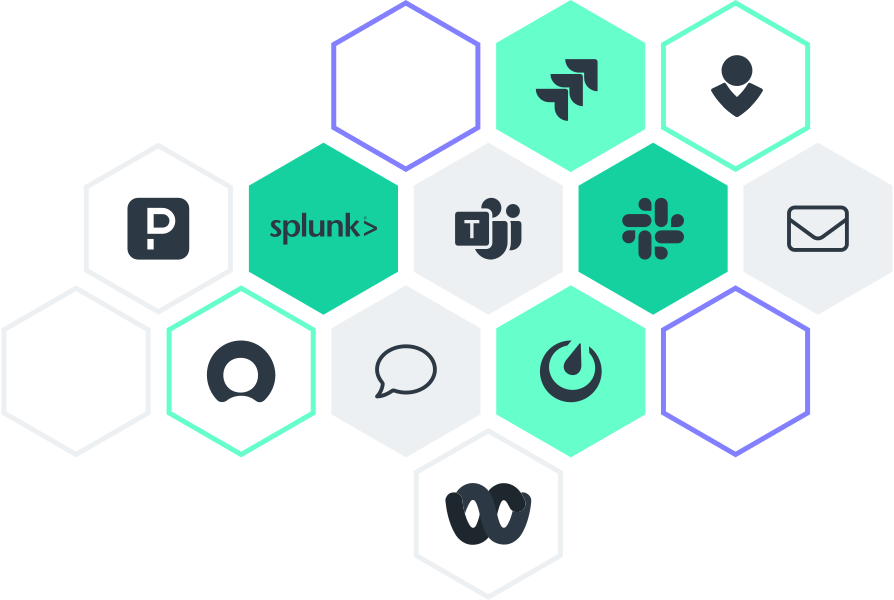
Automatically send notifications via email, SMS, Slack, and MS Teams
-
Create tickets automatically for incident handling through integrations with ITSM tools, such as ServiceNow, Jira, PagerDuty, and VictorOps
-
Configure additional alerts or pause alerts in specific situations, such as scheduled downtimes
-
Test your configured notifications with simulated events
-
Handle alerts centrally – even in distributed environments
-
Use the alert handler to automatically trigger actions upon detection of new problems – e.g., for self-healing


Combine metrics and log data for root cause analysis
-
Monitor events from various sources, such as syslog, SNMP traps, Windows event logs, log files, and other applications
-
Filter and forward events, trigger scripts, or generate notifications
- Collapse duplicate entries into a single event to prevent operator overload
-
Filter incoming messages to show only important events
Predict trends and resource utilization with advanced analytics
-
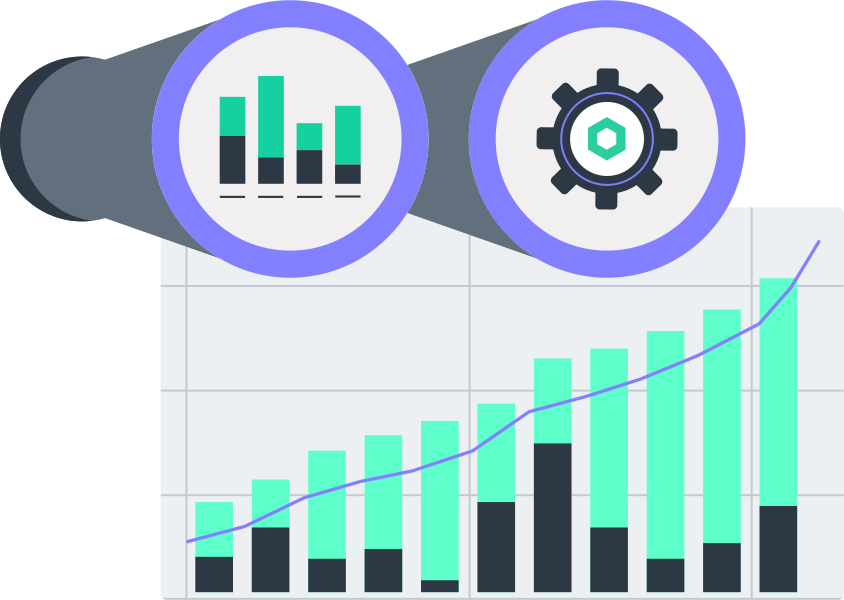
Analyze historical data to identify trends or forecast future resource consumption
-
Use sophisticated predictive monitoring algorithms to dynamically adapt thresholds based on historical events
-
Rely on capacity management that incorporates one-time or seasonal factors in its forecasts
Monitor the health of key business processes
-
Monitor business processes by mapping application dependencies into a single overview and view the availability and performance of complex systems at a glance
-
Aggregate services and hosts into a single state
-
'Freeze’ aggregations and compare them to the live state of your infrastructure to visualize changes and receive an explanation for any resulting status changes
-
Review historical states to determine the root cause for degraded performance
-
Deliver more reliable services to customers by maintaining awareness through a completely transparent, easy-to-understand view
-
Support all possible setups – high availability with two or more nodes, HPC, and more – with unprecedented freedom
-
Simulate worst case scenarios in real time, studying the impact of failing components to determine areas of operational weakness
Inventory all assets in your IT
-
Identify and inventory all hardware and software, monitoring changes proactively
-
Combine inventory tables with service or other inventory table data in a unified one view
-
Integrate regularly updated monitoring data, such as CPU utilization or disk usage, into your CMDB view and add "dynamic" parameters to the health of your assets
-
Configure monitoring using existing information from a Configuration Management Database (CMDB) via Checkmk APIs

Keep the business informed with automatically generated reports
-
Generate branded PDF reports with all views, either at the push of a button or at user-defined intervals
-
Review historical states with a single click, calculating availability in real time
-
Clean up available data by excluding unmonitored times, changing resolution, or ignoring short intervals
-
Monitor complex SLAs and get notifications to prevent violations – even if the SLA definition only includes work hours
Connect your monitoring to observability tools
-
Visualize your Checkmk data in Grafana / Grafana Cloud by exporting metrics and labels
-
Bridge the gap between DevOps and Ops teams with Prometheus integration
-
Import monitors and events from DataDog into Checkmk
-
Interface with standard, off-the-shelf Configuration Management Database (CMDB) software
-
Centralize metrics monitoring by combining metrics from Checkmk with other monitoring tools’ in a TSDB, such as InfluxDB
Synthetic monitoring for any application
-
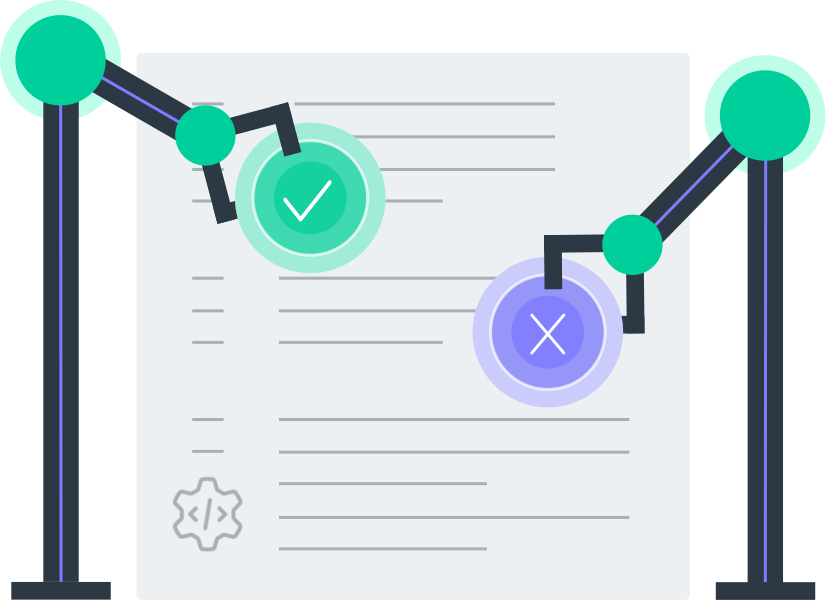
Monitor anything from native Windows applications to web apps from the user’s perspective
-
Analyze performance, availability, and features of applications
-
Monitor critical user journeys to prevent friction and roadblocks
-
-
Deploy hassle-free and automatically, thanks to the open-source tool RCC
-
Benefit from vast libraries to test any asset, or write your own tests to cover any special use case
Note: Some of these features are available in the commercial Checkmk Editions only
What do you like about Checkmk?
See what our users have to say